Family Reunion Photo Organization: Keeping Generations Connected Through Photos
From tech-savvy teens to smartphone-hesitant grandparents, learn how to create a photo sharing system that works for every generation at your family gathering.
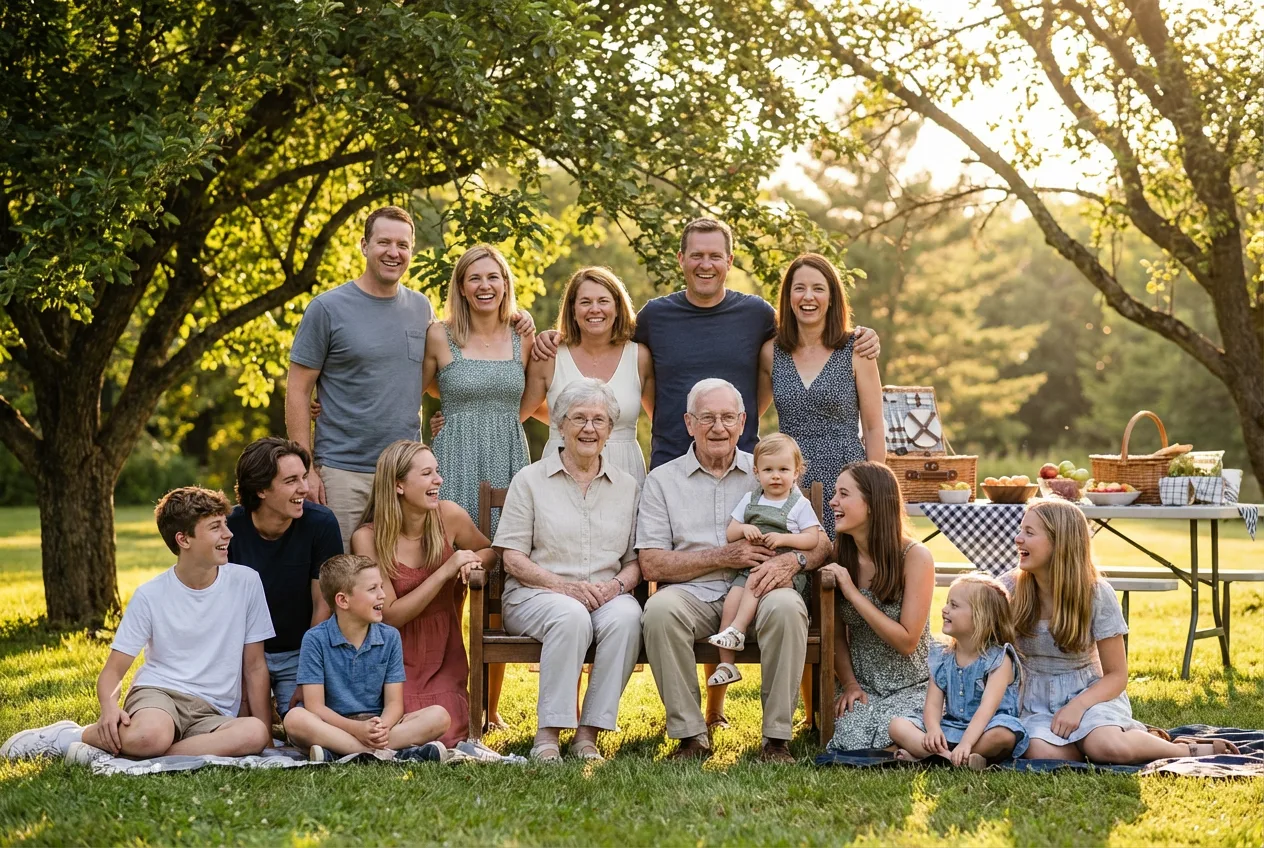
Family reunions represent something precious—a gathering of multiple generations under one roof, sharing stories, laughter, and creating memories together. But capturing and sharing these moments presents a unique challenge: how do you create a photo system that works for your smartphone-fluent teenager, your busy middle-aged parents, and your 85-year-old grandmother who’s still figuring out her flip phone?
The answer lies in thoughtful planning and inclusive design. When done right, your family’s photos become more than images—they become bridges connecting generations, sparking conversations, and preserving your family’s story for years to come.
Sources: Senior Technology Statistics , Pew Research Center
Understanding Your Audience: Four Generations of Tech Comfort
Every family reunion brings together people with vastly different relationships to technology. Understanding these differences is the first step to inclusive photo sharing.
Generation Z and Millennials (Ages 12-40)
Tech comfort : Native digital users, highly proficient Preferred methods : Instant sharing, social media integration Challenges : May share too quickly without consideration Opportunities : Can be your tech ambassadors for older relatives
Generation X (Ages 41-56)
Tech comfort : Comfortable but not obsessed Preferred methods : Email, Facebook, cloud storage Challenges : Busy lives, limited time to organize Opportunities : Often the family organizers, bridge between generations
Baby Boomers (Ages 57-75)
Tech comfort : Varying, often underestimated Preferred methods : Email, printed photos, basic apps Challenges : May need step-by-step guidance Opportunities : Highly motivated to connect with family
Silent Generation (Ages 76+)
Tech comfort : Limited, but often eager to learn Preferred methods : Printed photos, in-person viewing Challenges : Vision, dexterity, unfamiliar interfaces Opportunities : Treasure family photos deeply, great storytellers
The Generational Bridge
The most successful family photo systems are those where younger members help older ones—not by doing it for them, but by teaching and supporting. This creates connections beyond just the photos themselves.
Before the Reunion: Setting the Stage
Preparation is key to seamless photo sharing. Here’s how to set up before anyone arrives.
Designating Family Photographers
Not everyone needs to photograph everything. Assign roles:
- Primary documentarian : Usually someone who loves photography
- Candid hunters : 2-3 people watching for spontaneous moments
- Tech support : The family member who can help others
- Group photo coordinator : Someone with a commanding voice
Creating a Shared Album System
Set up your photo sharing platform well before the event:
Pre-Reunion Photo Setup
- Create a dedicated family photo album/event
- Send invitations to all family members
- Test that older relatives can access the system
- Prepare printed QR codes for easy access
- Designate a family member for tech support
Creating a Simple How-To Guide for Elders
Not everyone will be able to follow verbal instructions in the moment. Create a simple, printed guide:
Keep it simple:
- Large font (16pt minimum)
- Step-by-step screenshots
- Phone numbers for help
- Only essential information
Example card content:
   HOW TO SEE YOUR FAMILY PHOTOS

1. Open your phone's camera
2. Point it at this QR code: [QR CODE]
3. Tap the link that appears
4. Take a selfie when asked
5. Your photos will appear!

Need help? Ask [Name] or call [Number]
During the Gathering: Capturing the Moments
The reunion is happening. Here’s how to capture it without missing the moments themselves.
Group Photo Strategies That Actually Work
Large family group photos are notoriously difficult. Here’s a system that works:
Timing is everything:
- Schedule the photo for a specific time (announce in advance)
- Choose a moment when food isn’t being served
- Allow 15 minutes—it always takes longer than expected
- Have a backup time in case of weather or delays
Positioning tips:
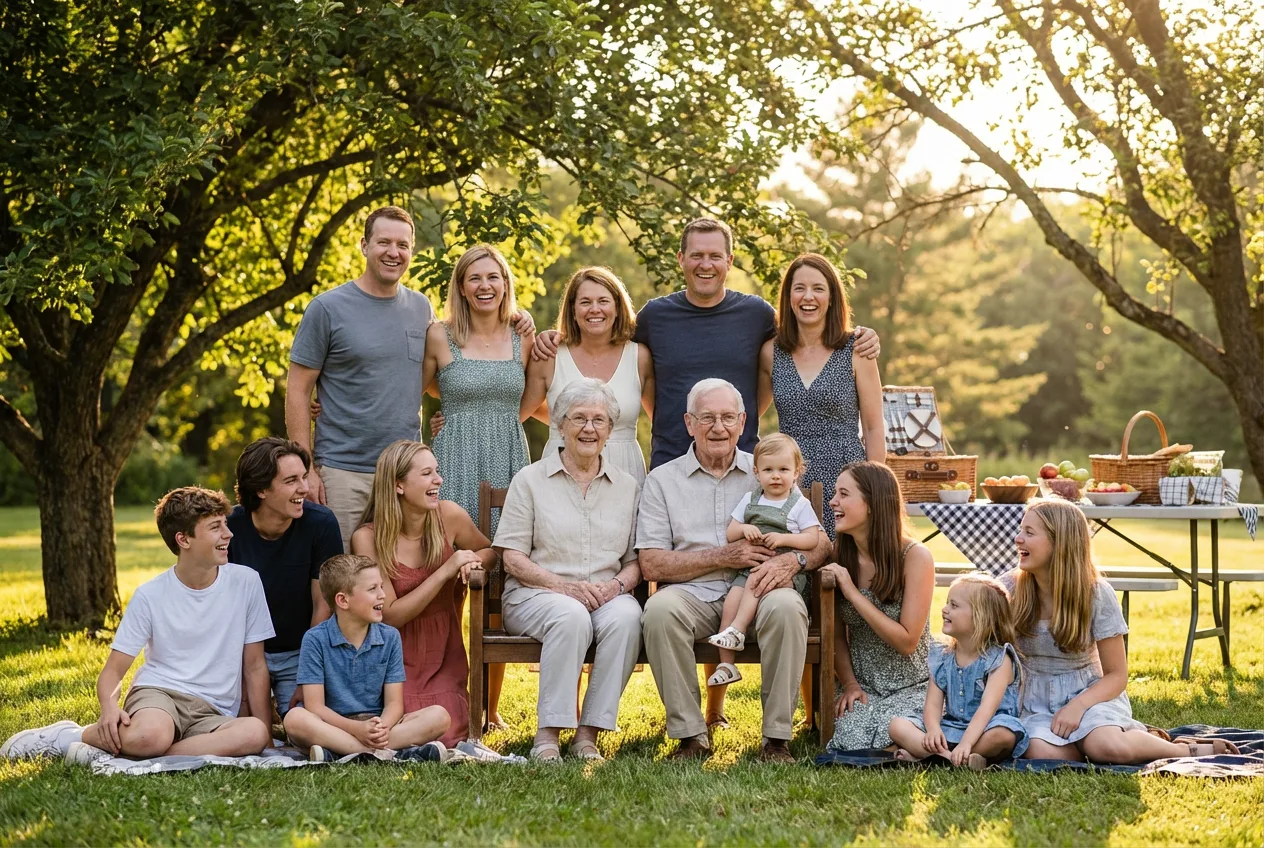
- Shortest family members in front, seated or kneeling
- Tallest in back, standing on risers if available
- Put the elderly in chairs, centered for importance
- Children can sit cross-legged at the very front
- Avoid direct sunlight (squinting) or complete shade (flat lighting)
The Secret to Eyes Open
Have everyone close their eyes. Count “1, 2, 3” and have everyone open on 3. The brief rest reduces blinking during the shot. Take 5-10 photos quickly while eyes are fresh.
Candid Moment Hunting
The best family photos often aren’t posed. Train your eyes to watch for:
- Story moments : Grandpa telling a tale with animated gestures
- Connection moments : Cousins meeting for the first time
- Food moments : Passing dishes, birthday candles, toasts
- Activity moments : Games, sports, crafts in progress
- Quiet moments : A grandmother watching grandchildren play
Getting Reluctant Relatives Involved
Some family members avoid cameras. Gentle strategies:
- Respect boundaries : Never force participation
- Catch them naturally : Candid shots during activities
- Give them a role : Ask them to take photos instead
- Create comfort : Small group shots before big ones
- Use humor : Silly photos can break the ice
Making It Accessible for Everyone
Here’s where many family photo systems fail—they work great for some but exclude others. True accessibility means everyone participates.
QR Codes with Large Print Instructions
Create physical cards that make access foolproof:
Design specifications:
- Credit card size or larger
- QR code at least 1 inch square
- Instructions in 14pt font minimum
- High contrast (dark text on white)
- Laminated for durability
Distribution strategy:
- Place cards at every table/seating area
- Include in welcome packets
- Post on bathroom mirrors
- Give personally to elderly relatives
Helping Grandparents Find Their Photos
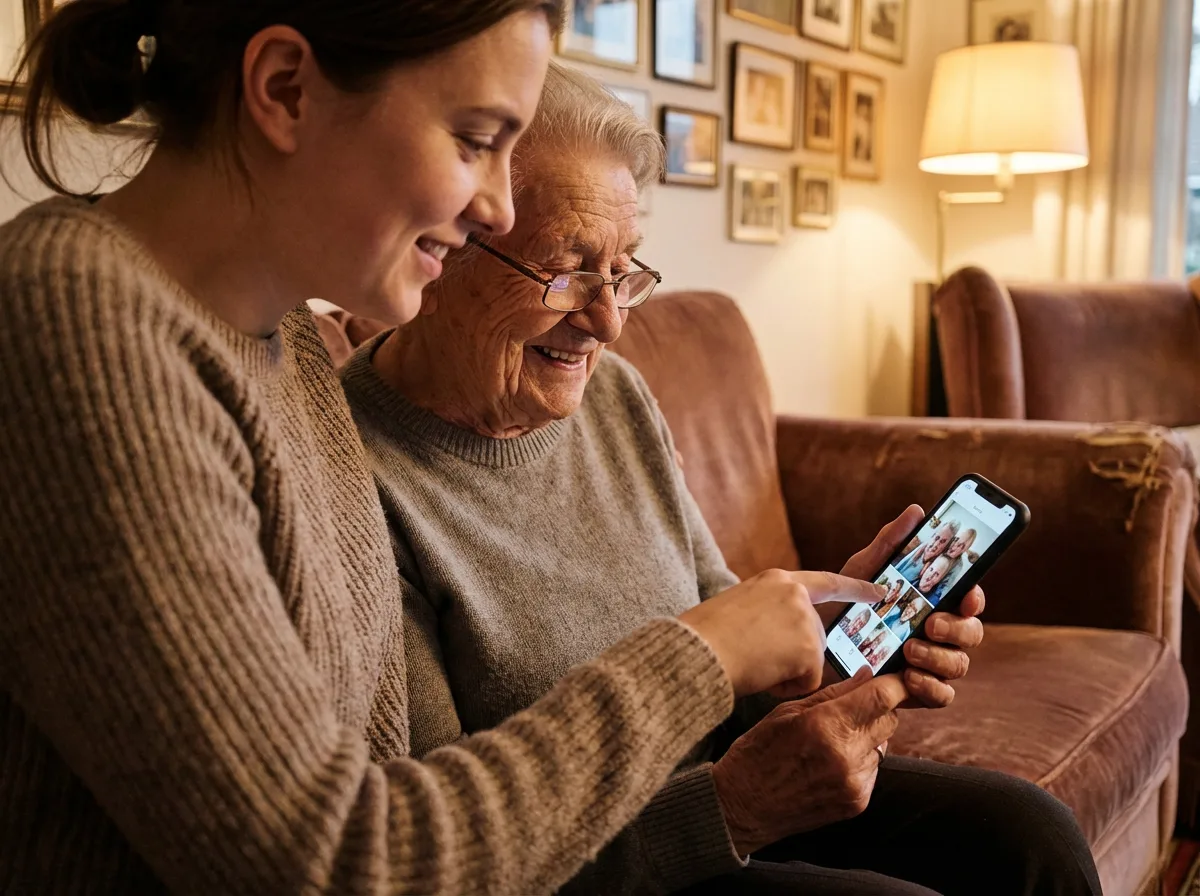
The magic moment when Grandma sees herself in a photo is worth extra effort:
Step-by-step approach:
- Sit beside them (not across—same orientation as their screen)
- Use their device if possible (familiar interface)
- Go slowly, explaining each step
- Let them tap the buttons themselves
- Celebrate the success together
- Show them their favorite photos first
The Joy Factor
For many elderly family members, seeing themselves in photos with loved ones is deeply emotional. Take time to enjoy these moments—they’re as valuable as the photos themselves.
Creating Printed Keepsakes
For relatives who prefer physical photos:
- Same-day printing : Bring a portable photo printer
- Photo boards : Display prints throughout the venue
- Take-home packets : Assemble small albums as parting gifts
- Memory books : Create a reunion scrapbook together
- Photo frames : Gift framed photos to elders
After the Reunion: Keeping the Album Alive
The reunion ends, but the photos shouldn’t disappear into forgotten folders.
Immediate Follow-Up (Within 1 Week)
- Send a “thank you for coming” message with gallery link
- Highlight 10-15 best photos in the email
- Include printed instructions again for older relatives
- Ask family members to add their own photos
- Set a deadline for contributions
Creating a Family Photo Newsletter
Keep engagement going with periodic updates:
| Timing | Content |
|---|---|
| 1 month after | ”Reunion memories” with top photos |
| 3 months after | ”Remember when…” nostalgia piece |
| 6 months after | Preview of next year’s reunion |
| 1 year after | ”This time last year” memories |
Preparing for Next Year
Use this reunion’s learnings for the next:
Post-Reunion Debrief
- Note what worked well (repeat it)
- Note what failed (improve it)
- Collect feedback from all generations
- Save templates and instructions for reuse
- Identify tech support volunteers for next time
The Emotional Payoff: Stories of Connection
Beyond the logistics, here’s why this matters:
The Photo That Brought Tears
At a recent reunion, a 92-year-old great-grandmother hadn’t seen her newest great-great-grandchild in person. Through the photo sharing system, she watched a video of the baby saying her first words. The tears and joy in that moment were worth every minute of technical setup.
The Cousin Connection
Two teenage cousins from opposite coasts had never met in person. They spent the reunion taking silly selfies together, creating inside jokes, and building a friendship. Six months later, they’re still sharing photos and staying connected.
The Memory Preserved
A family’s patriarch was in his final year, though no one knew it yet. The comprehensive photo coverage from that reunion became the family’s most treasured possession—images of every embrace, every story told, every moment of love shared.
Why Photos Matter
Family photos are not just images. They’re proof that we were together, that we loved each other, that these moments existed. When done right, a family reunion’s photos become a legacy.
Conclusion: Photos as Family Legacy
A family reunion happens once a year, or sometimes less. The moments pass in a flash of laughter, food, and conversation. But the photos remain, connecting generations long after the day is over.
The effort to create an inclusive, accessible photo system isn’t just about technology—it’s about ensuring that every family member, from the youngest to the oldest, feels included in your family’s story.
When your 85-year-old grandmother can scroll through photos on her tablet, when your 12-year-old nephew can find pictures of himself instantly, when your busy parents can access the gallery from their phones weeks later—that’s when you’ve built something that truly serves your family.
Make Every Reunion Count
PhotoMea is designed with multi-generational families in mind. Our AI-powered face recognition works for everyone—from wiggling toddlers to beloved elders. Simple QR code access means no apps to download, and our system is accessible enough for grandparents yet sophisticated enough for tech-savvy teens.
For more event photography insights, explore our guides on psychology of photo sharing and QR code strategies .
PhotoMea Team
Content Team
The PhotoMea team is dedicated to helping event organizers and photographers deliver memorable experiences through innovative photo sharing solutions.
Related Articles

Festival Photography: How to Capture the Electric Energy of Live Events
From crowd shots to candid moments, learn the techniques professional photographers use to capture the magic of festivals and concerts. Plus, how to share those memories with thousands of attendees.
Read More
The Complete Guide to Wedding Photo Sharing with QR Codes in 2025
Transform your wedding day memories with instant QR code photo sharing. Learn how to set up a seamless system that lets every guest access and contribute photos effortlessly.
Read More

5 Photo Sharing Trends That Will Define Events in 2025
From AI-powered instant delivery to sustainability-focused digital solutions, discover the innovations shaping how we capture and share event memories this year.
Read More