The Complete Guide to Wedding Photo Sharing with QR Codes in 2025
Transform your wedding day memories with instant QR code photo sharing. Learn how to set up a seamless system that lets every guest access and contribute photos effortlessly.
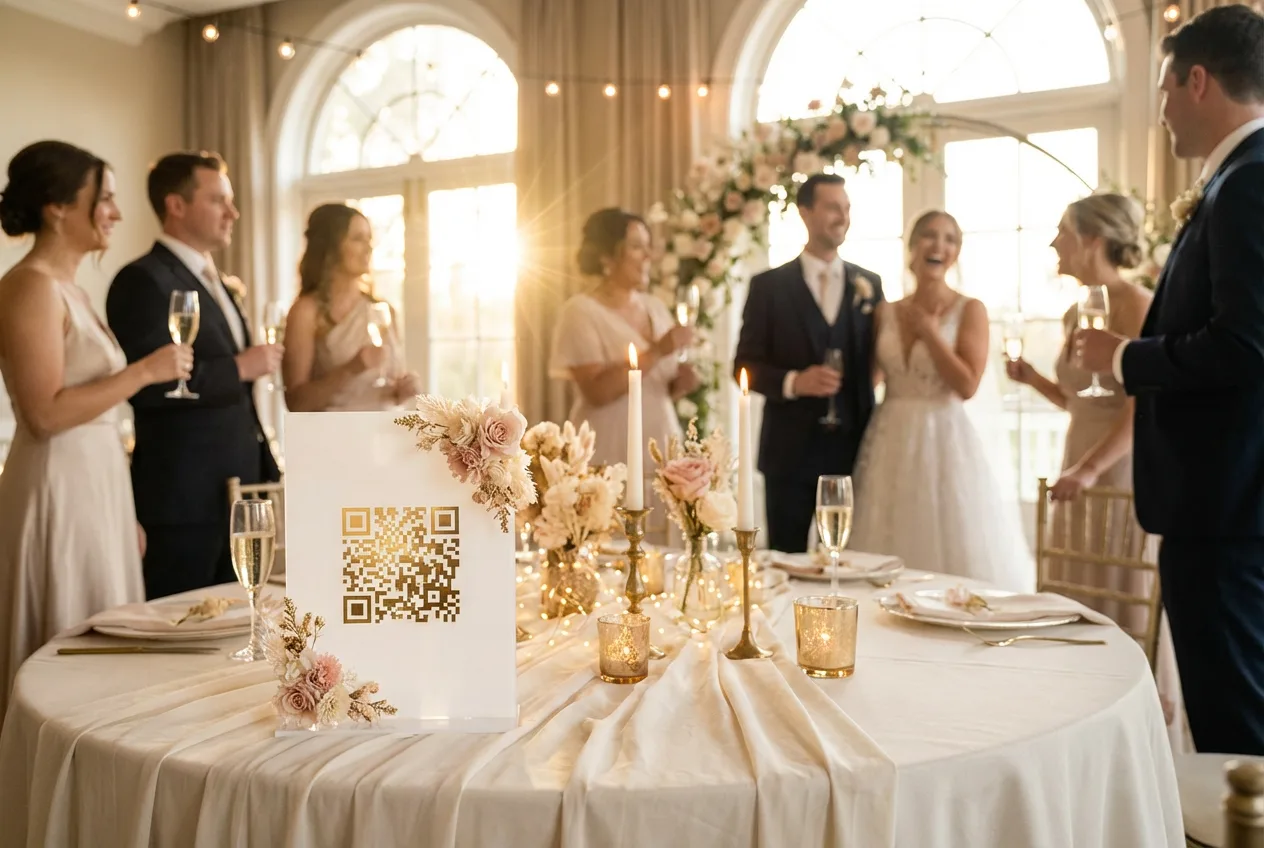
Picture this: You’ve just experienced the most magical day of your life. The ceremony was perfect, the reception was filled with laughter and tears of joy, and you danced until your feet ached. Now, three weeks later, you’re still waiting for photos. Your phone is filled with blurry snapshots from well-meaning guests, but where are the professional shots? Where are the candid moments your friends captured?
This frustration is universal among newlyweds. In 2025, couples expect instant access to everything—from food delivery to streaming entertainment. Why should wedding photos be any different?
The answer is: they shouldn’t be. And thanks to QR code technology combined with AI-powered photo sharing, they don’t have to be.
Sources: QR Code Statistics 2024 , Wedding Photography Industry Data
Why QR Codes Changed Everything
According to 2024 wedding industry data , 49% of couples now incorporate QR codes into their save-the-dates or invitations . This isn’t just a tech trend—it’s a fundamental shift in how we capture and share life’s most important moments.
The Traditional Pain Points
Before QR code photo sharing, couples faced several challenges:
- Delayed Access : Professional photos typically take 6-8 weeks to deliver , with industry standards ranging from 4-12 weeks
- Scattered Guest Photos : Guests’ photos lived on dozens of different phones
- Coordination Headaches : Collecting photos meant creating group chats, shared albums, and endless follow-up messages
- Lost Moments : Many candid shots were never shared because it was “too much effort”
The QR Code Revolution
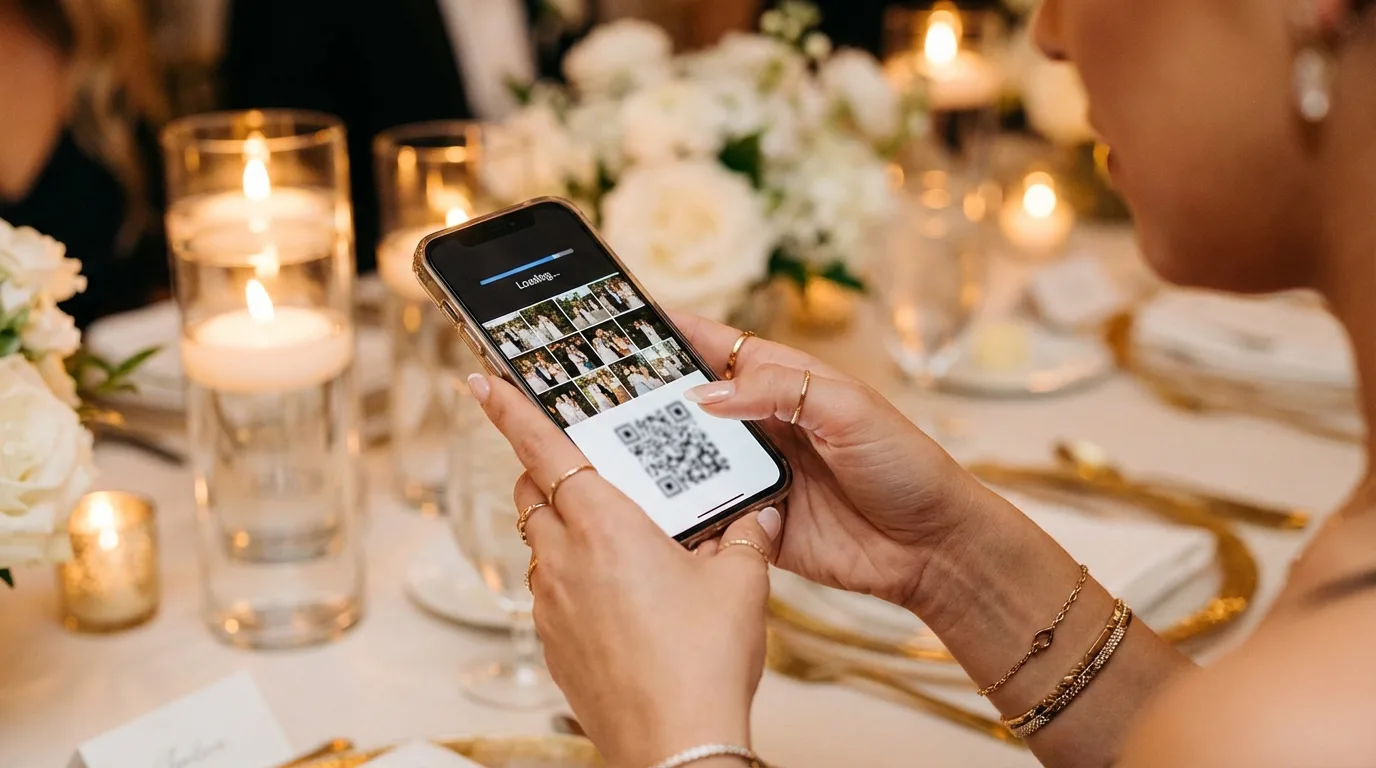
QR codes eliminate these friction points entirely. A single scan connects guests to your photo gallery instantly. No app downloads. No account creation. No complicated instructions for your technology-challenged uncle.
Setting Up Your Wedding Photo System
Creating Your Event Before the Big Day
Preparation is key to a seamless photo-sharing experience. Here’s your timeline:
Pro Tip
Create your event at least 4-6 weeks before your wedding day. This gives you time to test the system and design beautiful QR code displays.
4-6 Weeks Before:
- Create your event in PhotoMea
- Choose your event settings (privacy levels, download permissions)
- Generate your unique QR code
2-3 Weeks Before:
- Design your QR code displays (table cards, signs, welcome boards)
- Brief your wedding party on the system
- Send a preview link to immediate family
1 Week Before:
- Confirm QR code placement with your venue coordinator
- Test the system with your photographer
- Create a backup plan (printed instructions, alternative links)
Designing QR Code Displays for Tables and Venues
Your QR codes should be both functional and beautiful. Consider these placement options:
Reception Tables:
- Elegant acrylic stands with your wedding colors
- Incorporated into your centerpiece design
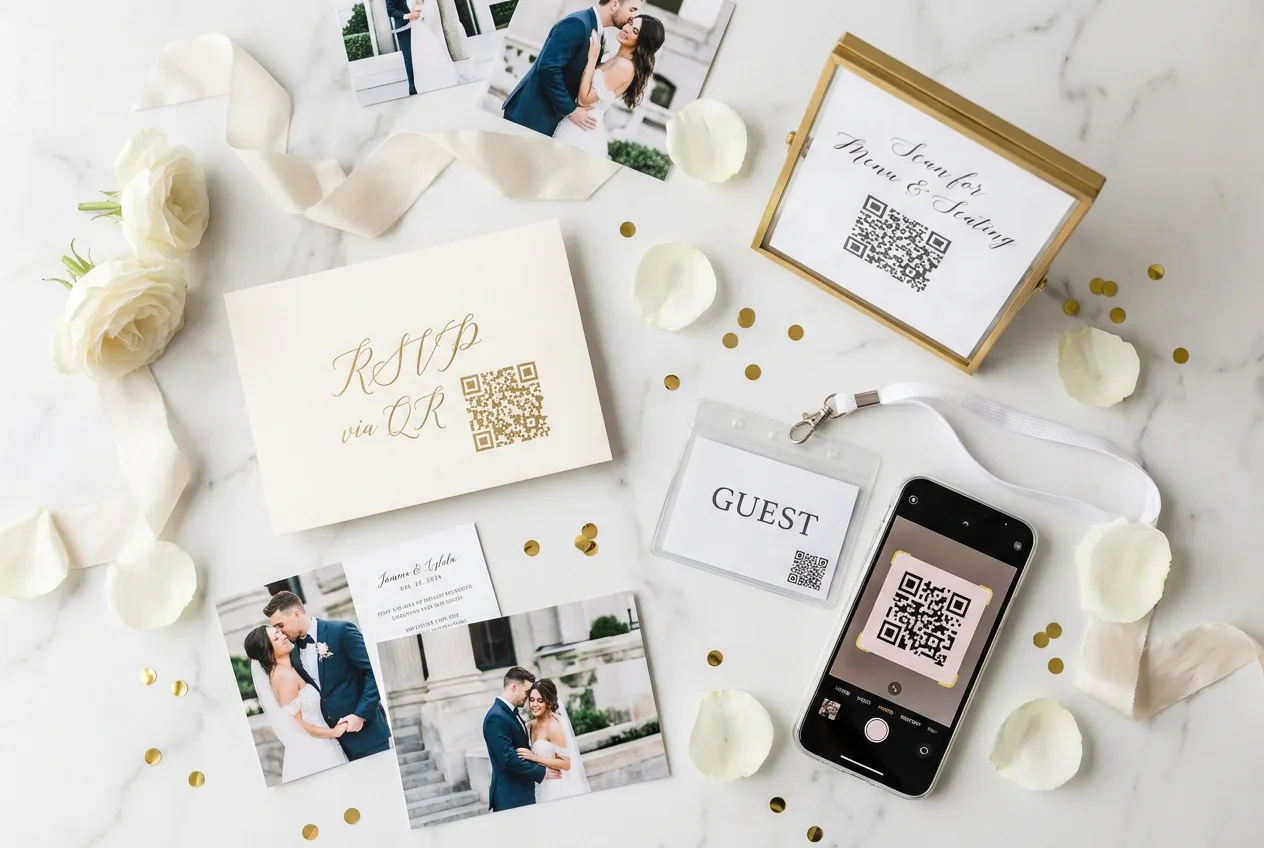
- Printed on menu cards or place settings
Key Locations:
- Welcome table at the entrance
- Photo booth area
- Bar and refreshment stations
- Near the dance floor
- Restroom mirrors (guests often check their appearance and appreciate the reminder)
QR Code Design Checklist
- QR codes at least 2x2 inches for reliable scanning
- High contrast (dark code on light background)
- Clear call-to-action text
- Wedding date and names for personalization
- Tested on multiple phone types
Briefing Your Photographer on the Workflow
Your photographer is your most important partner in this process. Schedule a call to discuss:
- Upload Schedule : Will photos be uploaded in batches throughout the day or all at once?
- Image Selection : Who decides which photos go into the gallery?
- Quality Settings : What resolution will be used for quick sharing vs. final delivery?
- Timing : When can guests expect to see ceremony photos? Reception photos?
Most professional photographers are now familiar with instant-sharing platforms, but clear communication ensures everyone’s expectations align.
Guest Experience: How Easy It Is to Scan and Find Photos
The magic of QR code photo sharing lies in its simplicity. Here’s what your guests will experience:
Step 1: Scan the Code
Using their smartphone camera, guests simply point at the QR code. No special app required—both iPhone and Android devices recognize QR codes natively.
Step 2: Take a Quick Selfie
For AI-powered face recognition to work, guests take a single selfie. This takes about 5 seconds and happens only once.
Step 3: Instant Photo Access
Within moments, guests see every photo they appear in. The AI recognizes them across all uploaded images—whether they’re in the front row of the ceremony or dancing in the background of a reception shot.
Step 4: Download and Share
Guests can download their photos directly to their phones or share them on social media. Many platforms allow you to set watermark preferences and download quality options.
Real-Time Photo Wall: Displaying Photos During the Reception
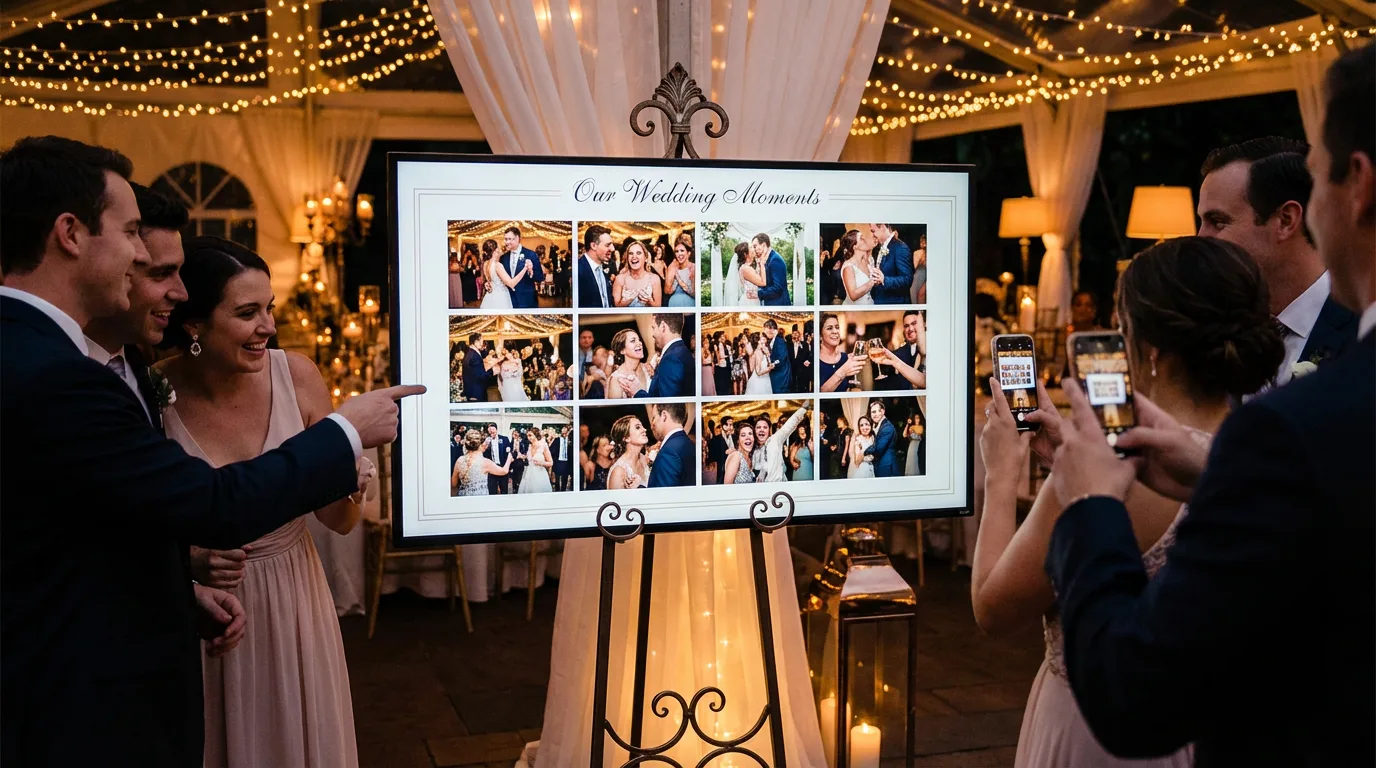
One of the most magical features of modern wedding photo sharing is the real-time photo wall. This is a large display screen that shows photos as they’re uploaded throughout the event.
Why Photo Walls Work
Photo walls create a focal point of entertainment and encourage guests to participate in the photo-sharing experience. According to event industry research , photo booth content often represents 40-60% of event hashtag volume on platforms like Instagram.
Setting Up Your Photo Wall
Equipment Needed:
- Large TV or projector screen (55” minimum recommended)
- Stable internet connection
- HDMI cable or wireless display adapter
- Stand or mounting solution
Placement Tips:
- Position near the dance floor or bar where guests gather
- Ensure good visibility from multiple angles
- Keep away from direct sunlight to prevent glare
- Consider multiple screens for large venues
After the Wedding: Sharing the Complete Gallery with Family
The wedding day is just the beginning. Here’s how to maximize your photo collection:
Week 1: Initial Distribution
- Send thank-you messages with gallery links
- Share highlight photos on social media
- Create a family group for ongoing sharing
Week 2-4: Professional Photos
- Add professional photos as they’re delivered
- Guests receive notifications of new additions
- Expanded gallery keeps engagement alive
Long-Term Preservation
- Download high-resolution copies for archiving
- Create printed photo books
- Share anniversary memories years later
Success Story
“We had 847 photos shared by our guests within 24 hours of our wedding. Three years later, we still get notifications when guests download photos for their own memories.” — Sarah & Michael, married 2022
Pro Tips: Placement Strategies, Backup Plans, and Etiquette
QR Code Placement Strategy
| Location | Visibility | Engagement |
|---|---|---|
| Welcome Table | High | First touchpoint |
| Reception Tables | Medium | Sustained interaction |
| Photo Booth | Very High | Natural integration |
| Bar Area | High | Social atmosphere |
| Restrooms | Medium | Private scanning |
Backup Plans
Technology can be unpredictable. Prepare for these scenarios:
- No Internet : Have printed cards with a simple URL as backup
- Low Phone Battery : Consider a charging station near QR displays
- Tech-Averse Guests : Designate a helper to assist older relatives
- Scanner Issues : Test QR codes with multiple phone brands beforehand
Etiquette Guidelines
Include these notes on your QR displays or wedding program:
- “Please feel free to take photos throughout the celebration”
- “By scanning, you consent to appear in our shared gallery”
- “Downloaded photos are for personal use—please tag us on social media!”
Conclusion: Making Memories Accessible to Everyone
Wedding photo sharing has evolved dramatically. What once required weeks of waiting and coordination now happens in seconds. QR codes have democratized access to wedding memories, ensuring that every guest—from your tech-savvy best friend to your grandmother—can participate in preserving your special day.
The best part? These aren’t just photos for you. They’re memories for your entire community, accessible whenever they want to relive the joy of your celebration.
Ready to Get Started?
Create your PhotoMea event today and generate your custom QR code. Your wedding photos deserve to be shared instantly with everyone who made your day special.
Looking for more wedding planning tips? Check out our guides on AI face recognition at events and choosing the right photo sharing platform .
PhotoMea Team
Content Team
The PhotoMea team is dedicated to helping event organizers and photographers deliver memorable experiences through innovative photo sharing solutions.
Related Articles
The Ultimate QR Code Strategy for Maximizing Event Photo Engagement
Strategic QR code placement dramatically increases photo engagement. Learn exactly where, when, and how to deploy QR codes for maximum impact at your next event.
Read More
The Psychology Behind Why We Share Event Photos (And How to Encourage It)
Understanding why guests share photos reveals powerful insights for event organizers. Discover the psychology of photo sharing and how to create moments people can't help but capture.
Read More

5 Photo Sharing Trends That Will Define Events in 2025
From AI-powered instant delivery to sustainability-focused digital solutions, discover the innovations shaping how we capture and share event memories this year.
Read More